Screenshot
Capture, then refine
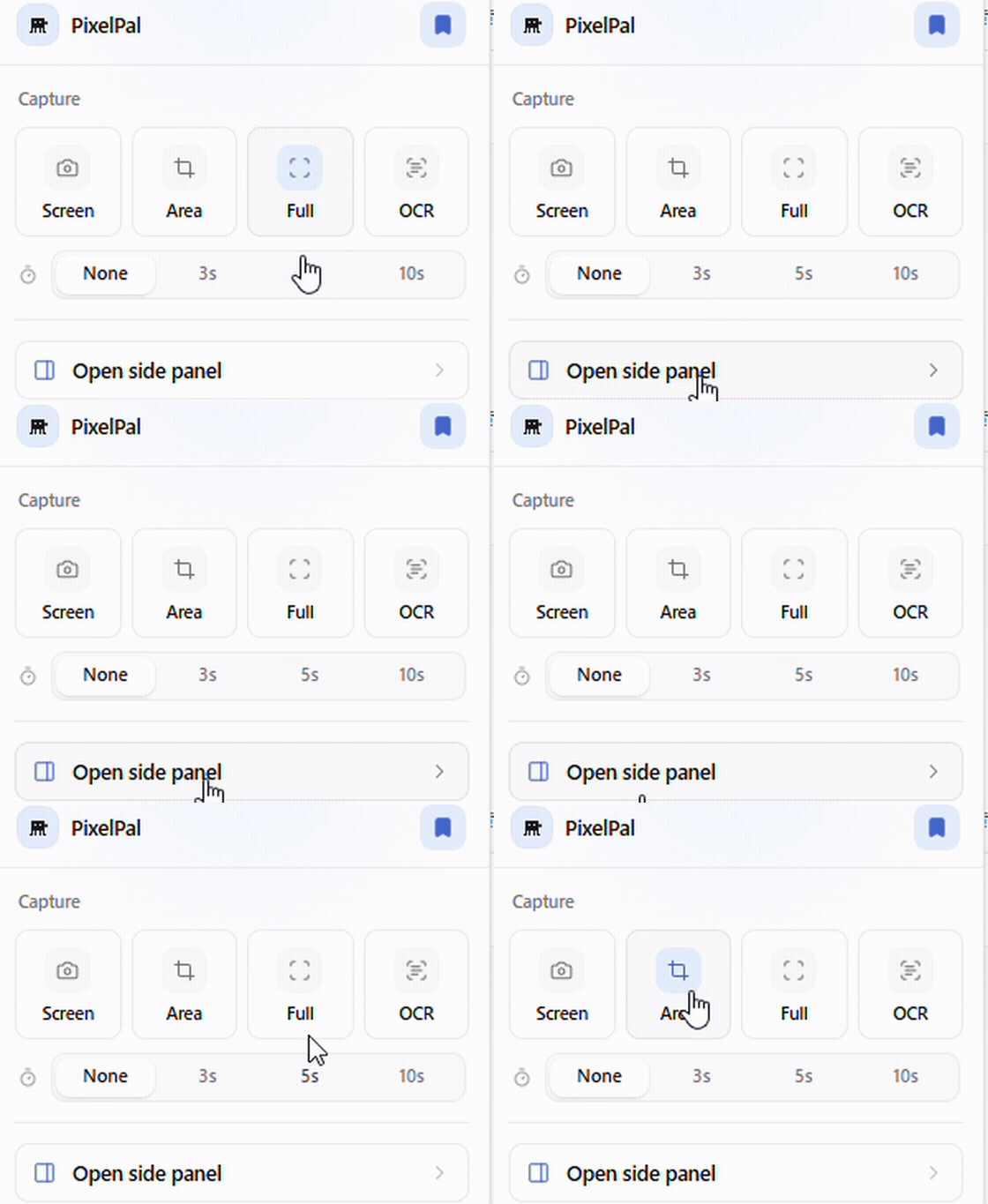
Grab a selection, the visible area, or the full page—and crop in the built-in editor. No extra apps.
Browser extension
Read, save, and reuse instantly
PixelPal is a browser extension. Organize the web with bookmarks, scraps, and snippets, capture moments with screenshots, and sync your data across devices when you sign in with Google.
Screenshots, snippets, highlights, and bookmarks in one side panel. Save as you read, recall as you type.
Chrome · Firefox · Core features work without signing in
Flow
Keep working inside the browser—no tab hopping required.
01
Select text or choose a page area. The selection toolbar appears instantly.
02
Capture scraps, screenshots, bookmarks, and snippets—then organize with folders and tags.
03
Find everything in the side panel. Type a shortcut keyword and long phrases expand automatically.
Features
Snippets, scraps, bookmarks, and screenshots—four tools, one panel.
Screenshot
Grab a selection, the visible area, or the full page—and crop in the built-in editor. No extra apps.
Snippet
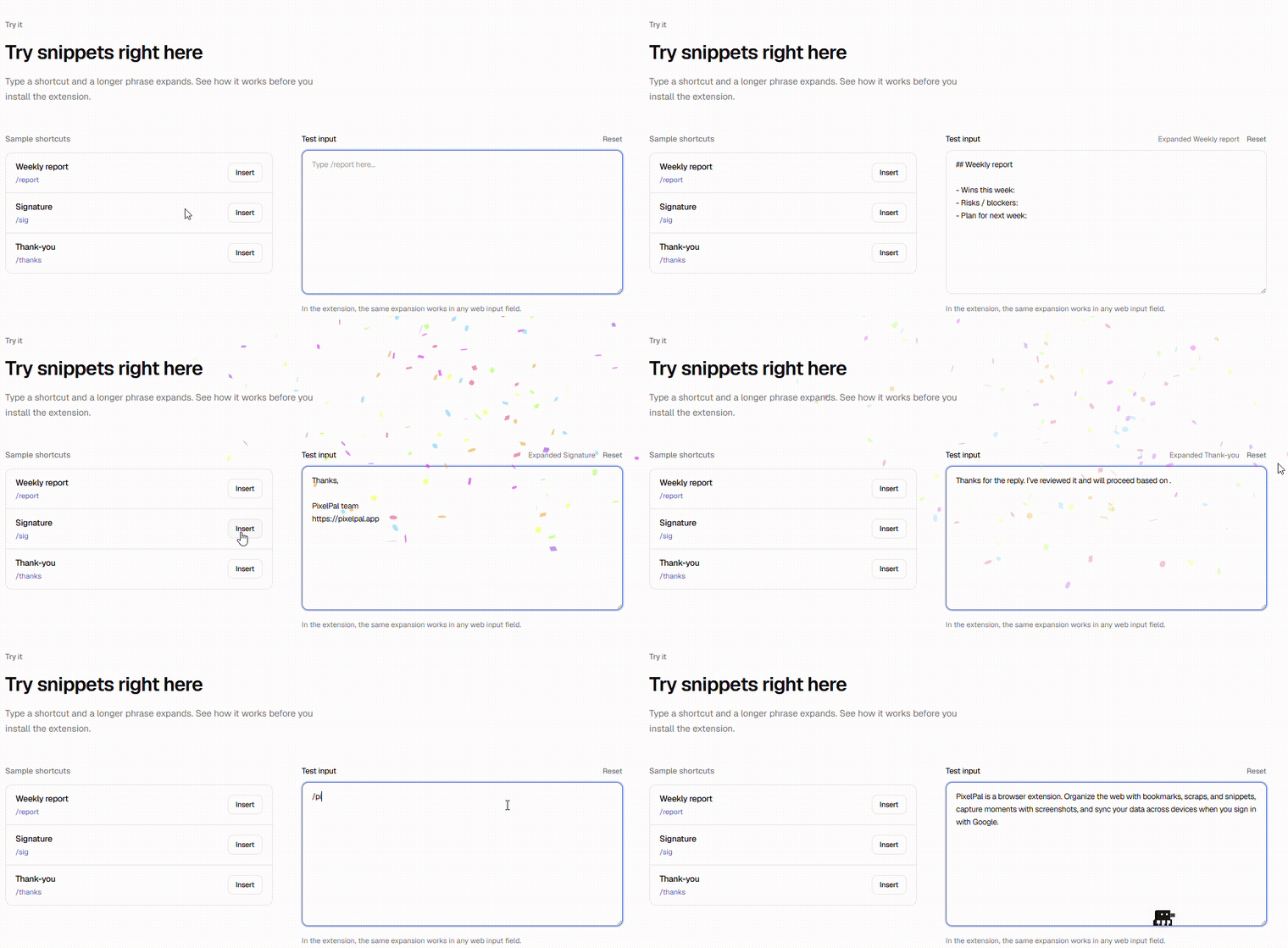
Save frequent replies, signatures, or code as snippets with triggers. Type the shortcut in any field and the full text expands. Use them globally or only on specific sites.
Scrap
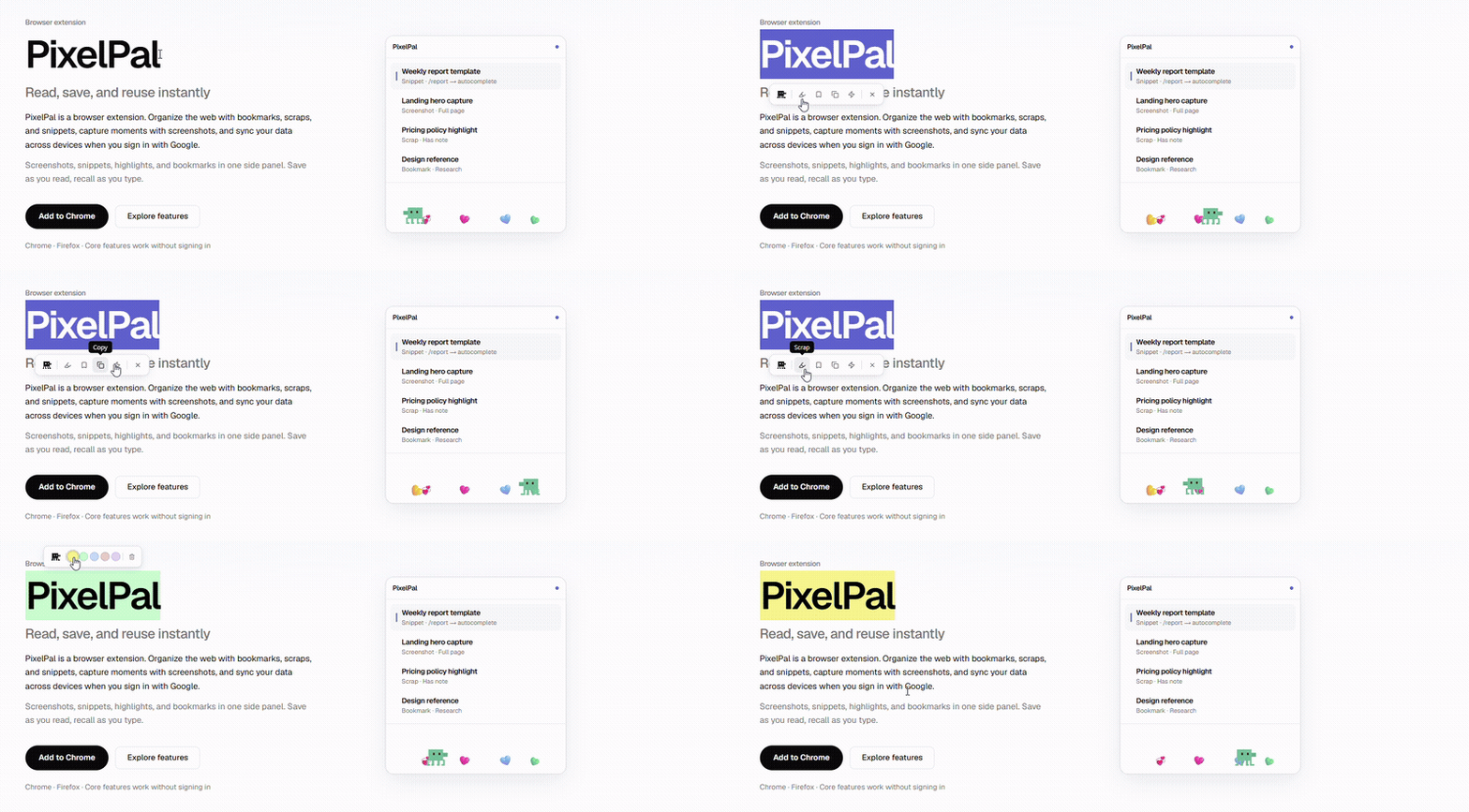
Highlight in five colors and add notes on the page. Everything gathers in the side panel with source context.
Bookmark
Save the page you’re viewing, then record why with folders, tags, and notes.
Try it
Type a shortcut and a longer phrase expands. See how it works before you install the extension.
Sample shortcuts
Weekly report
/report
Signature
/sig
Thank-you
/thanks
In the extension, the same expansion works in any web input field.
Details
Select text and jump straight to scrap, screenshot, or snippet.
Reorder with drag and drop, then find anything with search.
Sign in with Google to continue on every device.
Walks, jumps, dozes, and tracks your cursor—a companion on the page.
Google account
PixelPal uses Google social sign-in to identify your account and securely sync the data you save across devices.
Only basic Google profile fields such as email, name, and photo. We do not access Drive, Gmail, or other Google services.
Account identity, session continuity, and syncing bookmarks, scraps, snippets, and related saved items.
Core features work without signing in. Use Google sign-in only when you want sync.
For details, see the Privacy Policy.
Get started
Try capture, snippets, highlights, and bookmarks now. Sign in to continue on every device.